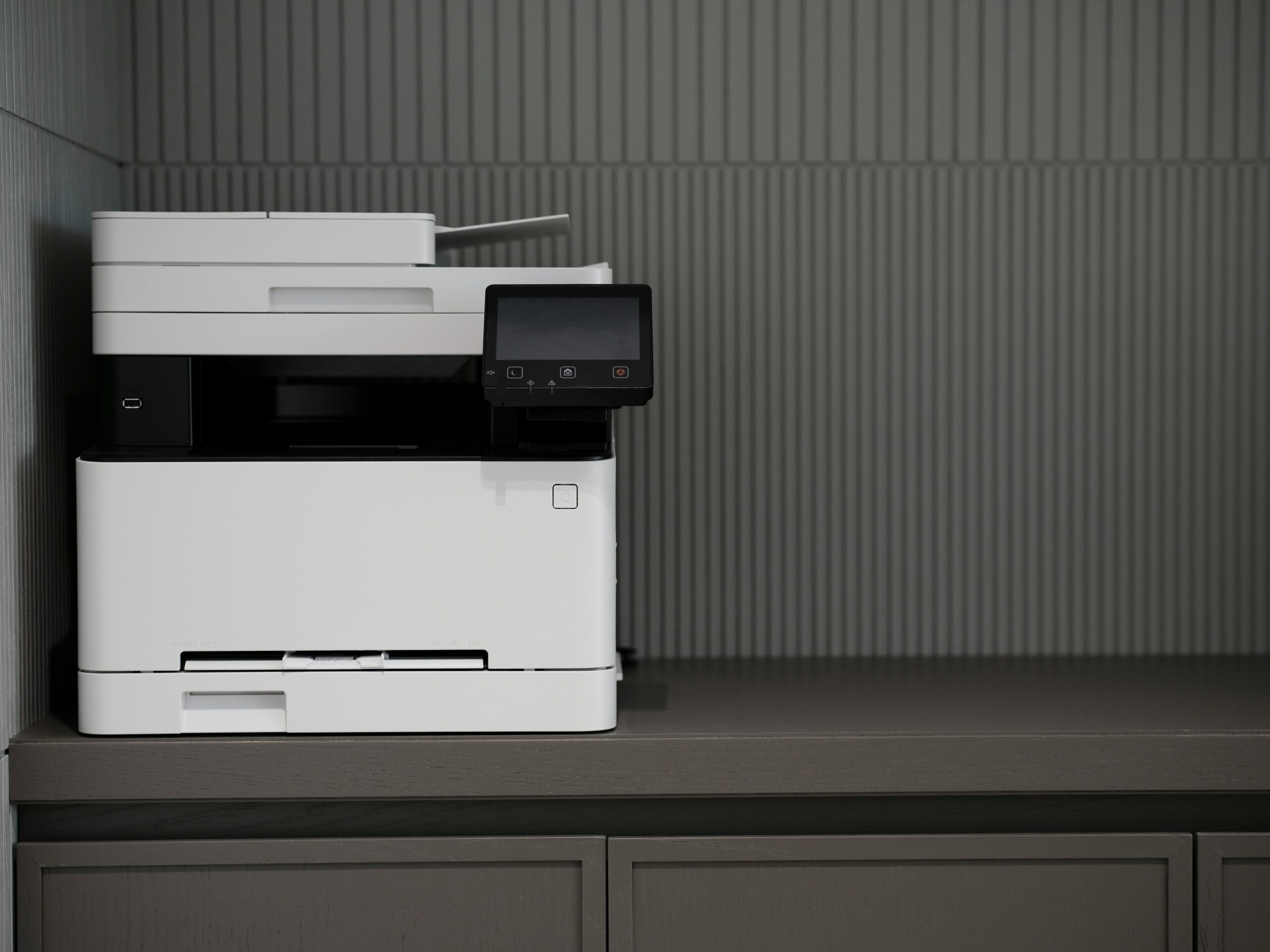
Open your printer settings today and set double-sided (duplex) printing as the default option on your computer.
That’s it. One setting. Ongoing impact.
This small change applies the science of choice architecture and directly supports SDG 12: Responsible Consumption and Production by reducing paper use automatically.
Paper use may seem minor—but globally it adds up.
Why This Matters
- The pulp and paper industry is one of the most energy-intensive sectors in the world, consuming a significant share of global industrial energy and contributing to industrial emissions.
(Source: Decarbonization pathways for the pulp and paper industry — ScienceDirect) - Globally, around 405 million tonnes of paper and paperboard are produced each year, requiring large quantities of wood, water, and energy and exerting a substantial footprint on forests and ecosystems.
(Source: Pulp & Paper: Forest Impacts and Consumer Power — WWF) - Paper production and use have significant environmental impacts: worldwide paper consumption has risen sharply over the past decades and contributes heavily to solid waste, pollution, and resource use.
(Source: Environmental impact of paper — Wikipedia)
Single-sided printing doubles paper consumption for multi-page documents—often unnecessarily.
The Behavioral Science Behind It
People tend to stick with whatever option is pre-selected.
Behavioral research consistently shows that default settings significantly shape decisions because changing them requires effort and attention.
For example:
- Studies on electricity consumption show that providing households with automatic energy-saving settings or pre-set conservation options significantly reduces usage compared to opt-in systems.
(Source: OECD – Behavioural Insights and Energy Policy) - Research shows that defaults influence choices because people tend to stick with the pre-selected option when faced with decisions, even when alternatives are available — a core insight of choice architecture.
(Source: When and why defaults influence decisions: a meta-analysis of default effects — Behavioural Public Policy)
In short:
People rarely override defaults.
So instead of remembering every time to choose double-sided printing, you redesign the environment so it happens automatically.
The Impact of One Setting
If you print 10 pages per week, switching to duplex printing can cut paper use for multi-page documents nearly in half.
Over one year:
- Potentially 250+ sheets saved
- Reduced demand for raw materials, water, and industrial energy
- Less paper waste entering recycling or landfill streams
And because it’s automatic, the impact compounds over time.
That’s the power of choice architecture:
Make the sustainable option the easy option.
How to Do It (2 Minutes)
- Open Printers & Scanners in your device settings
- Select your printer
- Go to Printing Preferences
- Choose Double-Sided / Duplex Printing
- Set as default and save
No reminders needed.
Why This Supports SDG 12
SDG 12 calls for:
- Efficient use of natural resources
- Waste reduction
- Sustainable consumption patterns
By embedding sustainability into default settings, you reduce resource use without ongoing effort.